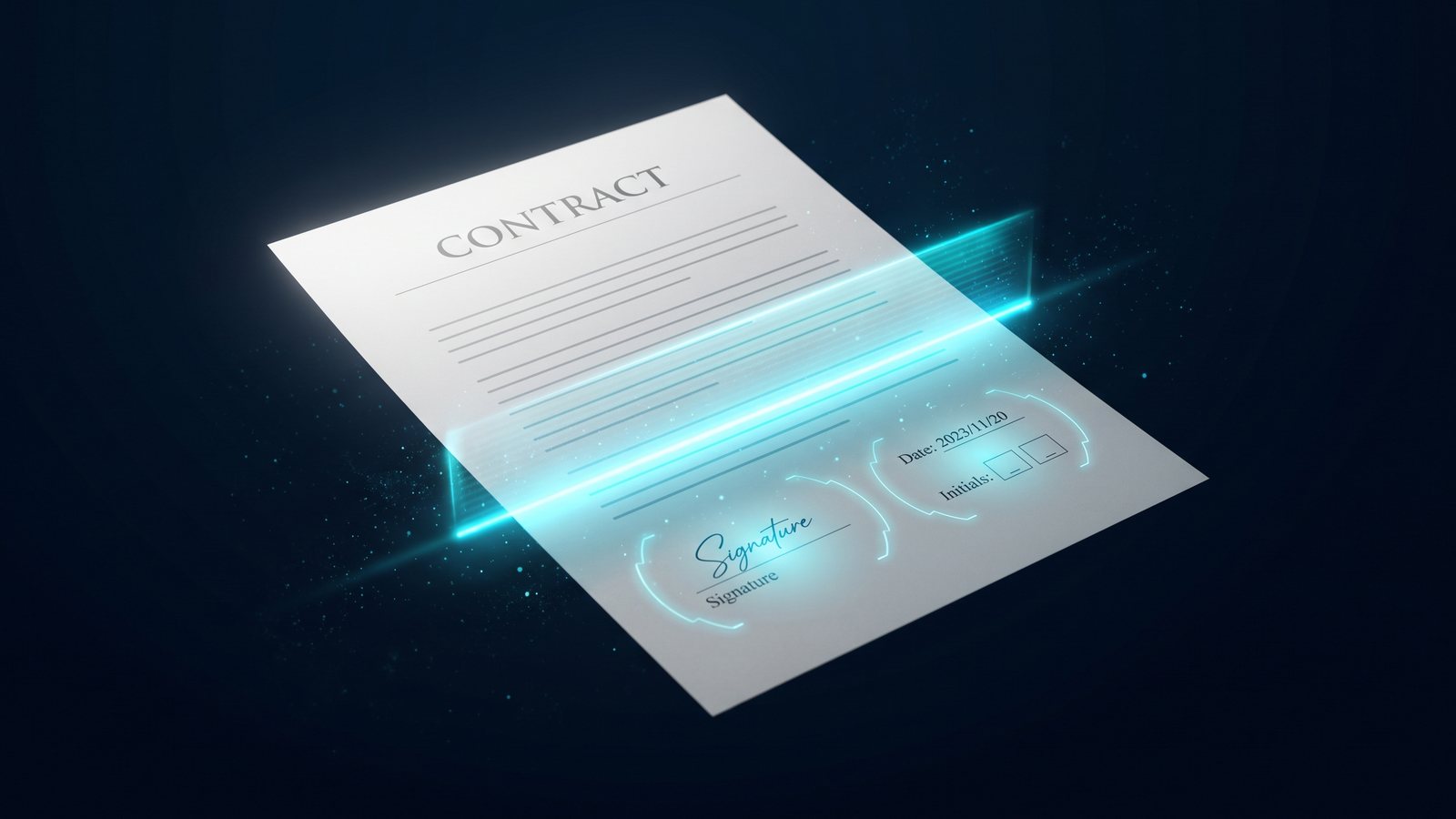
Drop a PDF and everything happens on your device: CyberSygn finds every signature
line right in your browser, and your document is not uploaded until you choose to
send it. Send it for signature and, when the last signer finishes, CyberSygn issues
one signed PDF to every party and records its SHA-256 fingerprint, which anyone can
check, free, at cybersygn.io/verify.
DocuSign built the category. These are the plain differences people weigh when they
switch. Facts only, so you can decide for yourself.
Files stay in your browser
Detection runs on your device. Your document does not leave the page until you
choose to send it, a claim a server-side signer cannot make.
Proof anyone can check
Send a document and every party ends up with the same signed PDF, the one CyberSygn
issued, not a copy each browser made for itself. Its SHA-256 fingerprint is printed on
the audit certificate, and anyone holding the file can check that fingerprint at
cybersygn.io/verify. No account, no login, free.
Fields found for you
CyberSygn reads the PDF and highlights every signature line, initial, date, and
checkbox, so you are not dragging boxes onto every page by hand.
Unlimited, on a flat plan
Send as many documents as you need. Incumbent plans commonly cap envelopes per
user and charge once you pass the limit. No per-seat math to get to unlimited.
Upload a PDF. CyberSygn finds the fields. Pick in-person signing on the spot, or send private links to remote signers.
Send it, and the moment the last signer completes CyberSygn issues the signed PDF and a tamper-evident audit certificate to every party.
The moment you upload, detection sweeps the page and lights up every field it finds. No dragging boxes. No setup.
01 · Upload
Drop a PDF or scan one in.
Any PDF works. Or photograph paper documents with your camera and we'll compose them
into a PDF locally. Detection then runs in your browser and highlights every field.
02 · Route
Sign in person, or send.
Pass the iPad around if your signers are present. Or route a private link to each
remote signer. No accounts, no passwords, no setup on their end.
03 · Close
Get the signed PDF and proof.
On a document you sent, the moment the last signer completes CyberSygn flattens the
signatures into one signed PDF and gives that same file to everyone, with an audit
certificate listing every event, every IP, and the SHA-256 fingerprint of that file.
Signing in person and downloading here instead gives you the flattened PDF straight
from your browser; sending is what produces the certificate and the public fingerprint.
Free templates.
500+ contracts, ready to send. Free.
Download the starting point, edit the specifics, sign in CyberSygn. Every template
in the library has been validated against the detector, drop it in and every field
appears automatically.
Detection runs in your browser. Bytes never leave the page until you choose to send.
SHA-256 audit cert
Every signing event, IP, and timestamp, plus a SHA-256 fingerprint for each file the signing produced, labeled with the file it covers. Anyone holding that file can check its fingerprint at cybersygn.io/verify.
ESIGN + UETA
Same federal-level legal weight as DocuSign, HelloSign, and Adobe Sign.
499 of 499
Found signature fields in 499 of 499 real contracts in our test corpus, plus 120 synthetic tests across 12 categories.
Built on Cloudflare
Served from Cloudflare's global edge network. Low latency everywhere.
Origin members.
The first hundred. Locked at $9 for life.
- of 100 Origin spots claimed.
When the cap fills, the rate disappears. Forever.
Yes. From your dashboard, one click, no email required. You keep access through the end of the billing period. Origin members lose the $9-for-life lock if they cancel, but every other tier is fully reversible.
Is it legally binding?
Yes. CyberSygn is ESIGN Act (United States) and UETA-compliant. The audit certificate captures every signing event, IP address, timestamp, and a SHA-256 fingerprint for every file that exists for the signing, each one labeled with the file it covers. Same legal weight as DocuSign or HelloSign in any U.S. jurisdiction.
Will my data be sold?
No, ever. Here is the plain deal: free documents may be used, without any personal content, to improve our field detection. Paid documents never are. A document nobody finishes signing is deleted 30 days after it was created. A completed one, and the signed PDF we issue for it, is kept for the life of your account, and you can erase all of it yourself at cybersygn.io/erase.
Do signers need an account?
No. Signers click a unique magic link and sign in their browser. No signup, no password, no app to install. The most-hated part of DocuSign-style flows is the part we removed.
What if it doesn't save me time?
Cancel anytime from your dashboard in one click, the next month does not bill, and you keep access through the end of the current period. Try the free Demo first (3 documents, no credit card) to confirm the detection works on your contracts before subscribing.
Pricing.
Unlimited signing. One flat price.
Most e-signature tools meter your documents and charge for every seat. CyberSygn does
not. Pick a plan, send as many contracts as you want, cancel in one click. Start free,
no card.
Most e-signature tools meter your documents or charge up to $45 a seat. Every CyberSygn plan is unlimited, and your first one's on us (3 free documents, no card).
Solo
$10/mo billed yearly
Unlimited contracts, each one sent and signed in about two minutes.
Unlimited documents and signers
Templates auto-apply to every repeat upload
In-person mode for closing meetings
Camera scan turns paper into a signable PDF
SHA-256 audit certificate on every document you send
Our pick
Pro
$15/mo billed yearly
Everything in Solo, plus the AI co-pilot that drafts and reads your contracts for you.
Everything in Solo, unlimited
AI drafts a ready-to-sign contract from a sentence
Plain-language AI summary of any signed document
Bulk send to a whole list at once
Priority send and priority support
Just a few dollars more than Solo. Cancel in one click.
Studio
$23/mo billed yearly
One shared workspace, every send in view.
Everything in Pro, for your whole team
One shared workspace for the team, no per-seat pricing
Aggregated dashboard across everyone's sends
Shared member list: everyone on the workspace, with the owner marked
Webhooks to wire signing into your stack
Business
$65/mo billed yearly
For a team that signs constantly and wants it wired into their own systems.
Everything in Studio, for your whole team
Full REST API and higher rate limits
Outbound webhooks into your own systems
Bulk send from a CSV
Priority support, answered by the founder
Try the Demo first. Your first one's on us (three free signs, no credit card). Confirm CyberSygn detects fields on your actual contracts before you pick a plan. Cancel any paid plan in one click, the next month does not bill.
Founding deals, while spots last
$9 for life
Origin
$9/mo forever
Every Solo feature, three dollars less, locked for the life of your account.
The $9 rate never goes up, ever
A direct line to the founder
Your name on the Origin wall
A vote on what ships next
100 of 100 spots left. Then it closes forever.
50 spots only
Lifetime
$299once
Pay one time. Use every Solo feature for as long as the product exists.
One payment, yours for good. No monthly bill ever again
A direct line to the founder
50 of 50 spots left.
CyberSygn is a Modern Era Brands product. Run e-sign on its own with the plans above, or run your whole field operation, canvassing, weather intelligence, e-sign, and the rest, on one capped price. The Field OS bundle caps everything at $99 per seat a month, billed yearly, with CyberSygn included.
Compared.
CyberSygn vs the alternatives.
Five things that matter for independents and small teams. Honest comparison; the
numbers are pulled from public pricing pages as of May 2026.
Feature
CyberSygn
DocuSign Personal
Dropbox Sign Essentials
SignWell Light
Automatic field detection
Yes
Manual placement
Manual placement
Manual placement
Monthly price
$12, unlimited
From $11 (annual), 5 docs / mo
$15 ($10 annual)
$12 ($10 annual), 1 sender
Unlimited documents
Yes
Capped at every tier
Yes, 5 templates
Yes, 1 sender
Signer accounts required
No
No
No
No
In-person mode
Yes
Yes
No
No
Audit certificate
Yes, SHA-256
Yes
Yes
Yes
Origin rate (founder lock)
$9, locked for life
No
No
No
Questions.
The ones we get most.
Honest answers. If yours is not here, write to cybersygn@modernerabrands.com and we will add it.
How accurate is field detection?
We ran field detection on all 499 real contracts in our test corpus and found signature fields in 499 of 499, plus 120 synthetic test PDFs across 12 detection categories.
The detector walks the PDF operators and matches labeled patterns including
Signature:, /s/, (Initial), Date:, X______, and [ ]. Word documents are converted
to PDF in the browser before detection.
Does the signer need an account?
No. Signers click a unique magic link and sign in the browser. No signup, no
password, no app to install.
Is CyberSygn a DocuSign alternative?
Yes. CyberSygn replaces DocuSign, Dropbox Sign, and SignWell for the case where
you do not want to drag and drop signature fields onto every document. The
detection step is what is different. Every other capability (multi-signer routing,
magic links, audit trail, signed PDF download) is parity with the competition.
What happens to my PDF after I upload it?
Detection runs in your browser. The PDF never leaves your device during the
detection step. When you send it for signature, the PDF is stored in Cloudflare KV,
encrypted at rest. A document nobody finishes signing is deleted 30 days after it
was created. Once every signer finishes, we build the signed PDF and keep it, the
original, and the audit certificate for the life of your account, which is exactly
what the certificate handed to each signer promises. The PII-free verification
record is kept permanently, so cybersygn.io/verify works even if the files are
later removed.
What does the fingerprint actually prove?
That the file you are holding is byte for byte the file CyberSygn issued when the
document completed, and that a document with that fingerprint was completed on
CyberSygn by that many signers on that date. Change one byte of the PDF and the
fingerprint no longer matches.
It does not prove who the signers were. The verification record is PII-free on
purpose: no name, no email, no document text, nothing that can be reversed back
into any of those. Names, emails, IP addresses, and the full event timeline live on
the audit certificate, which only the parties to the document receive.
Is the audit certificate legally binding?
It documents the audit trail: every event timestamp, IP, user agent, and a SHA-256
fingerprint for every file that exists for the signing, normally the signed PDF
CyberSygn issued and the original it was built from. The certificate names which
file each fingerprint was taken from, so you always know what to hash. Legal weight
depends on jurisdiction. We are not lawyers. The certificate is evidence, not a
guarantee.
What does it cost?
Every plan is unlimited and starts with 3 free documents, no card required. Solo is
$12 per month for the essentials. Pro is $19 per month and adds the AI co-pilot that
drafts and reads your contracts, plus bulk send and priority support. Studio is $29
per month for a shared team workspace. Business is $79 per month for a whole team, adding the
REST API, webhooks, and bulk send. Annual billing saves two months. Two early-adopter
options remain while spots last: Origin at $9 per month locked for the life of your
account (first 100 customers) and Lifetime at $299 one-time (first 50 customers).
Do you support Word documents?
Yes. Word files are converted to PDF in your browser before detection runs, so the
entire pipeline post-upload is PDF-native.
Can I cancel anytime?
Yes. Manage your subscription from the dashboard. Cancellation takes effect at the
end of the current billing period. No phone call required.
Origin members.
Be one of the first hundred. Lock $9, keep it for life.
One hundred Origin spots. Once they fill, the rate goes up and never comes back
down. Origin members get the first production builds, a direct line to the
founder, a vote on what we build next, and a permanent place on the Origin wall.